


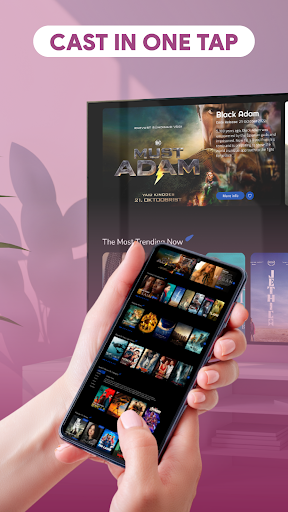
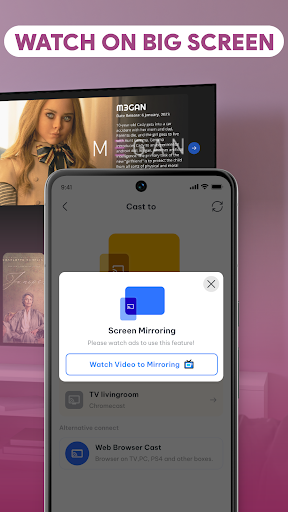
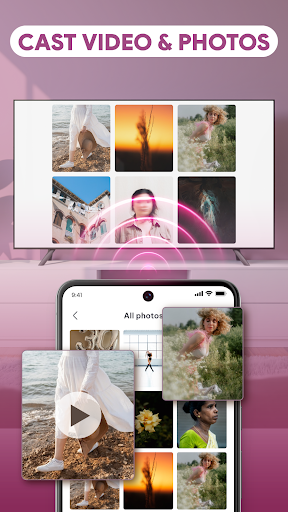
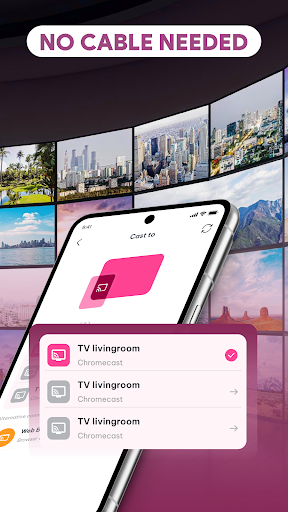
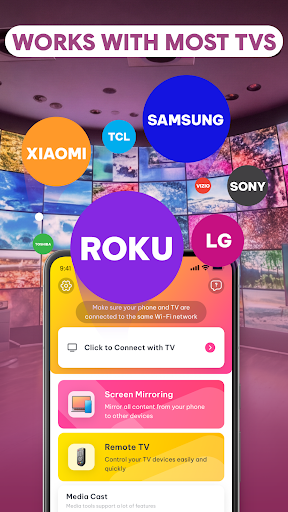
AI Mirror: Screen Mirroring TV is an app designed to project your phone’s content onto a larger display, specifically a television. It facilitates both screen mirroring and content casting, allowing you to view videos, share photos, or present information from your mobile device directly on your TV screen. The app emphasizes a wireless connection, utilizing stable Wi-Fi display technology to establish a link between your phone and TV without the need for cables or complex setup procedures, aiming for a swift and straightforward connection process.
Wireless Content Projection
The app’s primary function is to enable wireless screen sharing and content casting to a TV. It uses stable Wi-Fi display technology to connect your phone to a compatible smart TV, eliminating the need for physical cables. This allows users to initiate screen mirroring or casting in seconds, bringing their mobile content to the larger display without technical steps or intricate configurations.
Integrated Video Streaming and Media Casting
AI Mirror: Screen Mirroring TV includes built-in features for video casting, transforming your device into a media hub. Users can stream videos and other media directly to their smart TV. This capability supports the playback of local files and personal content, aiming to deliver smooth playback and high-quality viewing for various media types.
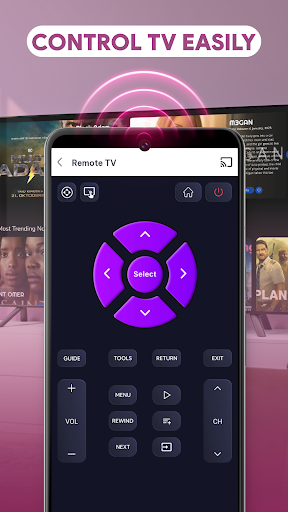
Universal TV Remote Functionality
Beyond mirroring and casting, the app incorporates a smart remote control feature. This universal TV remote is accessible directly from your phone, providing an intuitive interface to manage TV functions. Users can adjust volume, navigate menus, pause videos, and control media playback without needing a separate physical remote.
Flexible Content Sharing Options
The app supports multiple methods for sharing content, from basic phone mirroring to advanced media casting. It allows users to display photos, stream videos, or even use other apps while their screen is being mirrored. The design focuses on optimized screen casting and stable performance, intending to provide a consistent experience across different devices and usage scenarios. It is built to work with most modern smart TV systems, aiming for quick connections and minimal lag.







Write a review